

Plotter or Pantser?
Yes, those are real things...

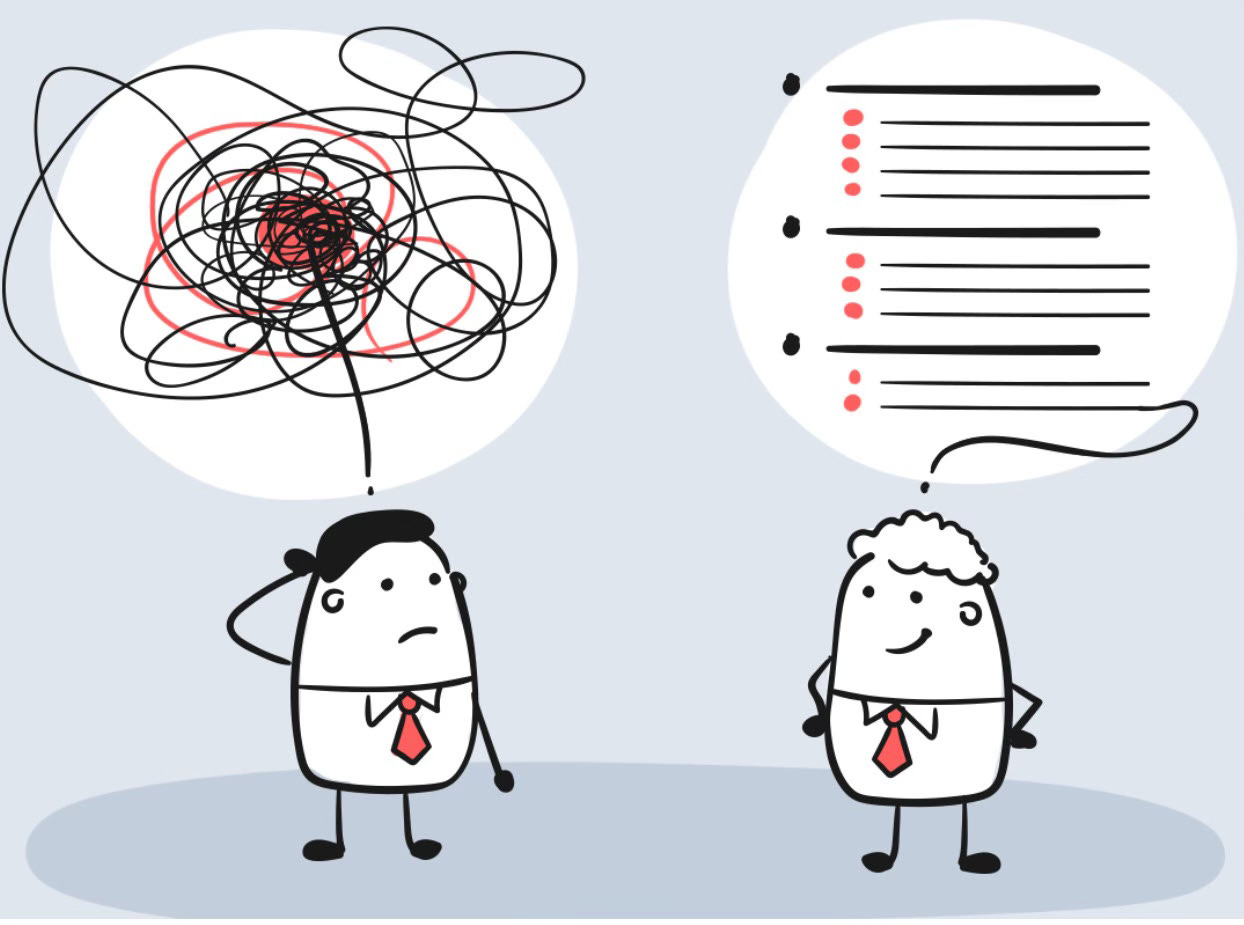
I didn’t know for a long time that I was a Pantser. It started with the now defunct NaNoWriMo several years ago, and a thread talking about those writers (Plotters) who plot their storyline ahead of time, create these beautiful or messy narrative arcs and then write. And there are the others, the fly-by-the-seat-of-our-pants ones (hence Pantsers, I think) — that’s where I fall.
Notable Plotter is R.L. STEIN
"If you do enough planning before you start to write, there's no way you can have writer's block. I do a complete chapter by chapter outline."
Notable Panster (and if he can do it, who’s to argue?) STEPHEN KING
"Outlines are the last resource of bad fiction writers who wish to God they were writing masters' theses."
My writing practice (God, how wanky does that sound, when all I write is Substacks, and so far unpublished memoir and short stories) such that it is, goes like this:
Coffee. Whether this is a procrastinatory stage or not, this is needed.
Nine times out of ten, I flop down on the sofa, with the laptop on my… you guessed it… lap, and fire it up.
I very rarely get straight down to the actual writing, I usually have a look in on what’s being said on Substack, or some videos of horses on Instagram, scroll for a bit way too long, then decide “it’s time”.
I just dive in where I feel needs it, and start writing, as it comes to me. I edit as I go to a certain degree, and certainly edit by switching scenes or chapters as I go. I don’t have a plan, I don’t have fancy software. I tried a couple — Plottr and Scapple, and even tried just a good, old-fashioned Excel spreadsheet. None of them lasted, and only worked for more procrastination. I loved the idea, and visual appeal of mind maps, colours, and the idea that this made me a proper writer, but they didn’t work for me.
So, it’s me, Scrivener and Word when I export the file to print off.
So, with nothing else to do, excepting maybe top up the coffee, I click on that big S in the toolbar and get to writing. This is what the document looks like when I open it:
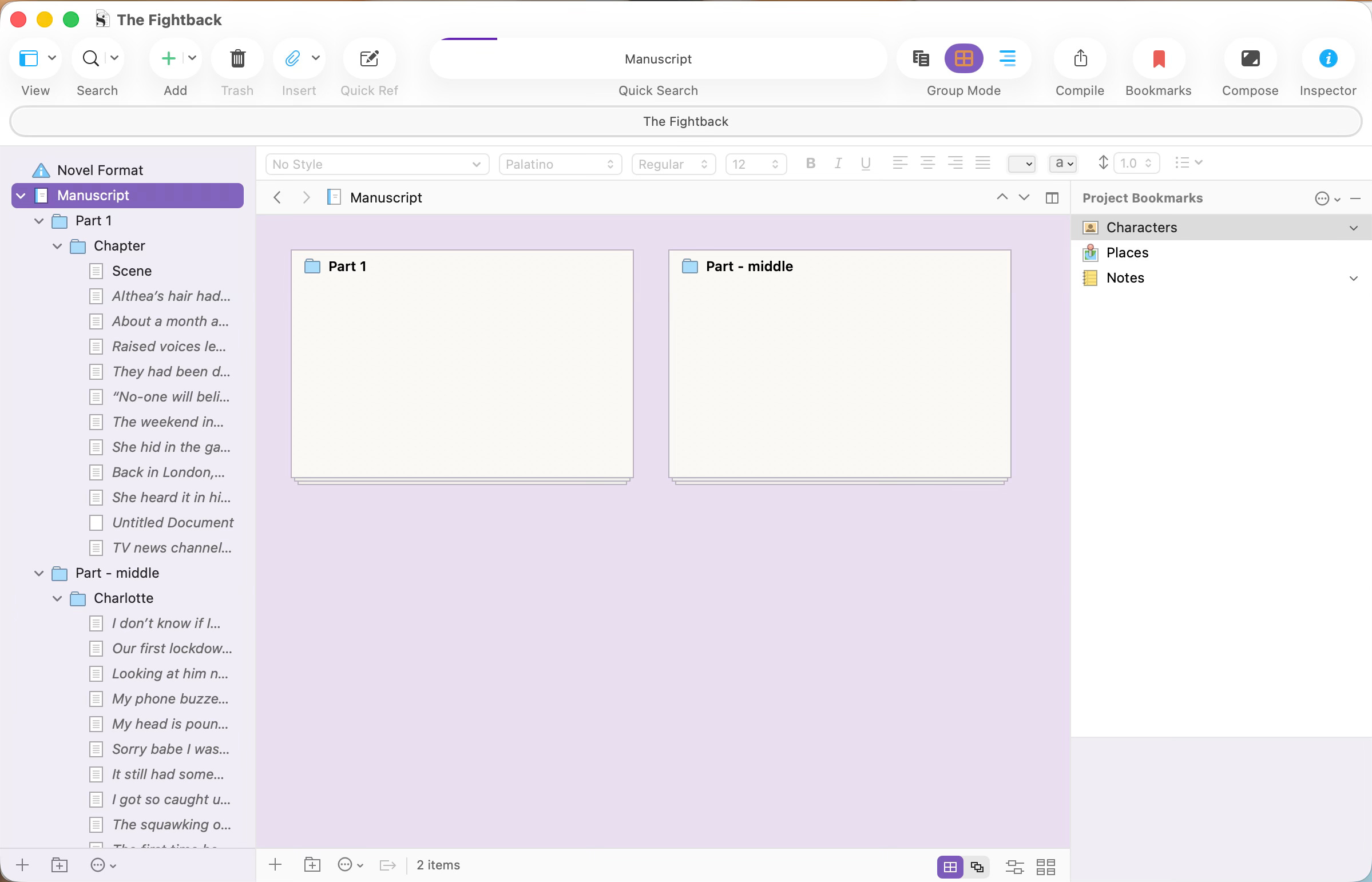
Why Scrivener? For the last few years, since putting together the memoir, and realising that scrolling a huge Word document was not working for my brain, I found Scrivener. It’s a polarising writing tool — it’s not that intuitive, you can’t just open it then hey presto, you’re on your way. You have to “learn” it, read (and watch) tutorials just to know how it is structured and how to make the most of the countless features. I loved that — it was another stage of procrastination where I was “writing” but adjacently, which is my favourite type of writing.
What I loved about Scrivener was the ability to cut up chapters into scenes, move them around, see an overview of them and the chapters, and jump in and out where I wanted to, at ease, instead of scrolling and missing where you were looking for on Word.
But Scrivener is not beautiful, it’s a tool, a functional part of how I write, but certainly not pretty. And hey, your girl loves a bit of pretty. So, in comes Dabble, the newbie on my block, threatening to usurp Scrivener (sidenote: I looked up my son’s name meaning, after he was named it, and it came up as “usurper” — I mean what does that mean for a baby? Anyhoo, it was one of the very few times I had come across “usurp”).
I’ve been playing with Dabble, dabbling, if you will, for just short of a month, and I really think this might be my new love. It has a timer function — like those Pomodoro things that I download then never use — a constantly visible word count, word goal, and an incentive to write 1000 words in your thirty day trial to get $20 off full membership. I haven’t checked out the full membership price, but I already know it’s much more expensive than Scrivener, so we’ll see how strong the love is.
The sidebars with your overviews magically melt into the ether as you type, no need to click on the tiniest icon next to some other tiny icons, none of which you can remember what they do, so you’re left with a clean screen to type.
One potentially weird thing I have noticed is that there is no automatic spellchecker highlighting your words, or autocorrecting them — something I actually adore! But, I realise many of you might hate that.
There’s a lovely, inspirational writing quote that pops up every time you open Drabble, if that sort of thing is your jam — it most certainly is mine.
This is what my novel project looks like for now:
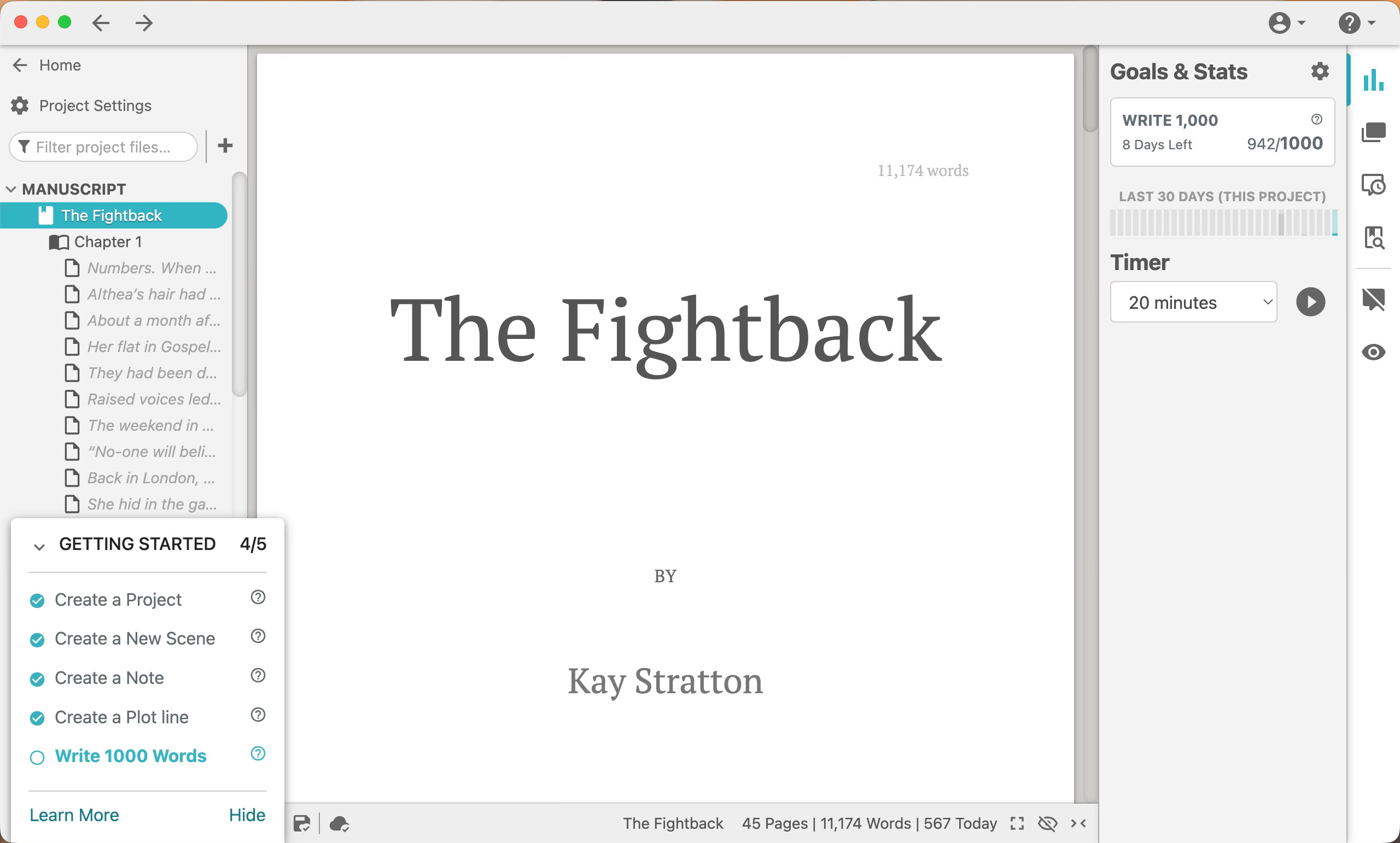
I love it. It’s clean, has some great features, and I’m sure many, many more I haven’t yet discovered, but it doesn’t need a PhD in writing tools engineering to get started.
To all those writers that I have extolled the virtues of Scrivener, but who have since given up, give this baby a try — 30 day trial has been great for me to really get a feel for it, and I think I’ve now switched sides.
Anyone already using Dabble? Are there extra features I need to check out? Where are my Scrivener diehards? You Word folk can stay over there in the corner…
Whatever works, right? Coffee is critical to the writing process, arguably the most important stage.
I use Atticus, starting with my first book - I think Scrivener is/was only for Apple if I remember. Atticus is okay, I write everything in Word and then import it and it's pretty good for formatting, page breaks, etc, sometimes a bit buggy, but decent, not too hard to figure out (for a Luddite like me, that's saying something!)
I love your process! It reminded me of a David Sedaris essay (I can't remember which, I'm afraid) about teaching a writing class once, before he was published and famous etc. He arrived to the class, got his cigarettes out, realised that was the extent of his process: Sit down and smoke. So he didn't have anything else to share with the class 😅
I hope the subscriptions isn't too pricey on Dabble so that the love affair can continue and, more to the point, we get to see your novel out there in the world!